> ## Documentation Index
> Fetch the complete documentation index at: https://docs.1capture.com/llms.txt
> Use this file to discover all available pages before exploring further.
# 計數點工具
截圖註解時,常需要使用數字點來區分註解內容。但若直接在圖片上書寫註解,可能會遮擋畫面。1Capture 提供了在側邊欄顯示註解的功能,有效解決此問題。
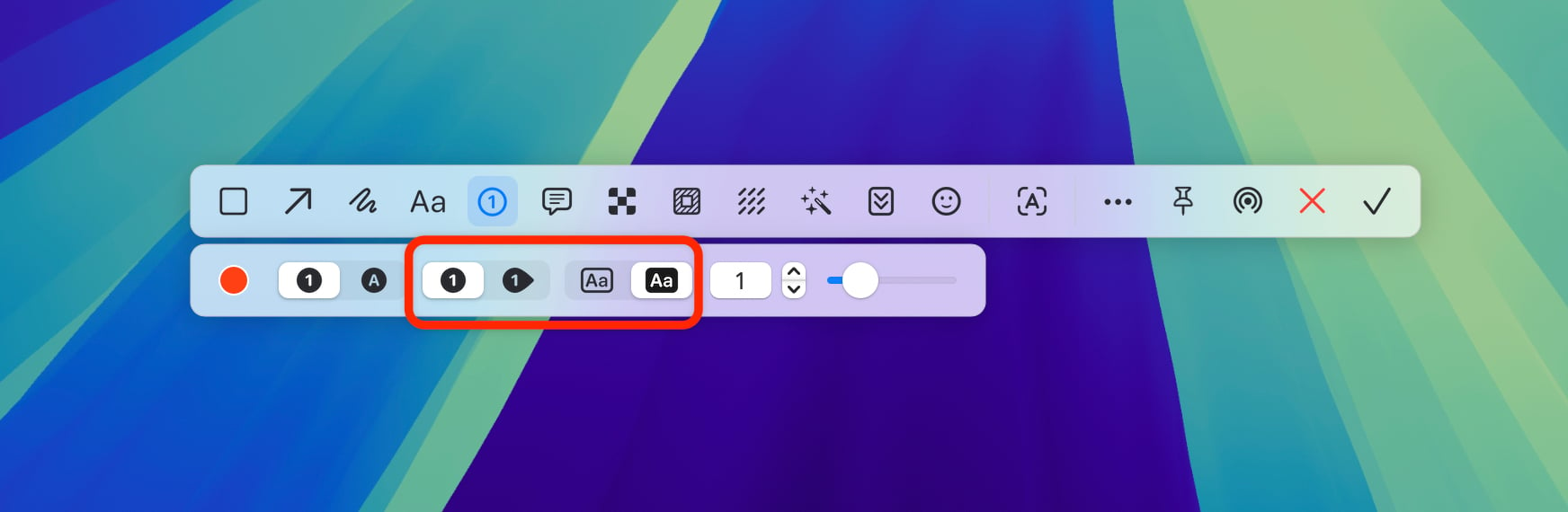 進入截圖,切換到計數點工具,在圖片中添加計數點以標註。每次新增計數點時,都會彈出備註對話框。此時輸入的備註內容,將在儲存截圖後依序顯示於截圖右側區域。