> ## Documentation Index
> Fetch the complete documentation index at: https://docs.1capture.com/llms.txt
> Use this file to discover all available pages before exploring further.
# 取色
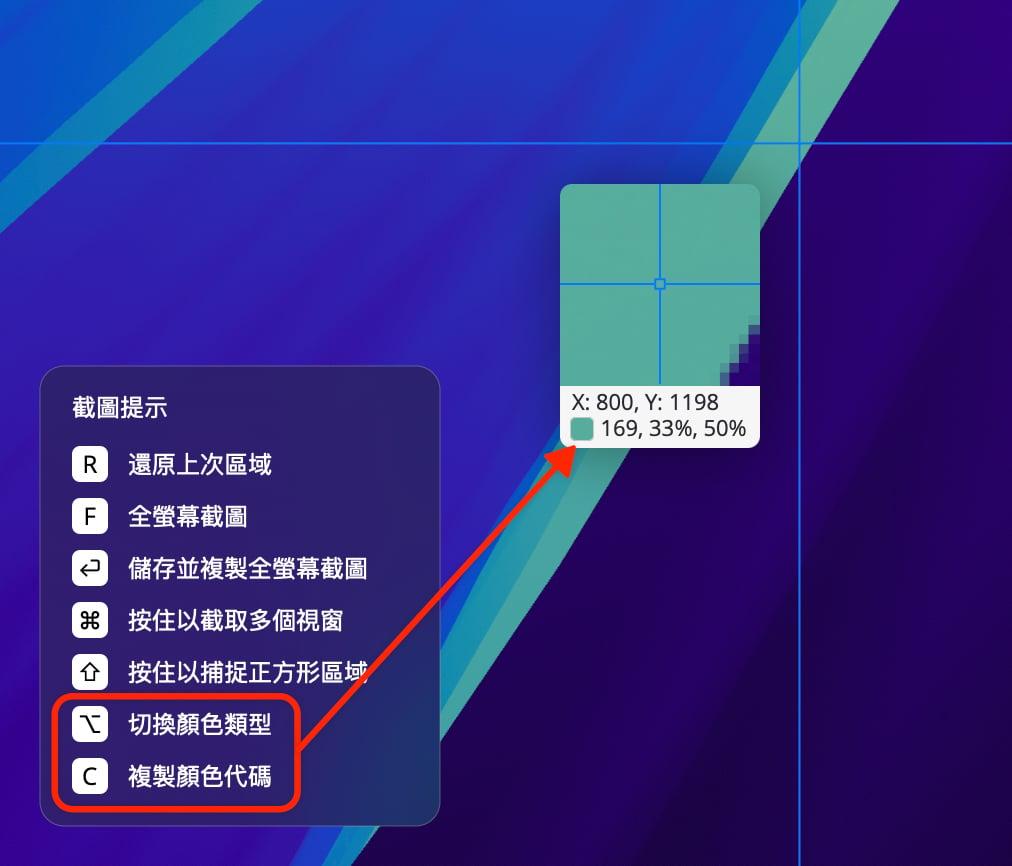
1Capture 支援快速取色。按下截圖快捷鍵後,進入截圖狀態,此時截圖游標旁會顯示一個放大預覽視窗。視窗第一行顯示螢幕座標,第二行則為目前游標所在點的顏色數值。
目前支援 Hex、RGB、HSL 三種色值類型,按下 Option 鍵可切換色值類型,按下 C 鍵可複製色值。