> ## Documentation Index
> Fetch the complete documentation index at: https://docs.1capture.com/llms.txt
> Use this file to discover all available pages before exploring further.
# カラーピッカー
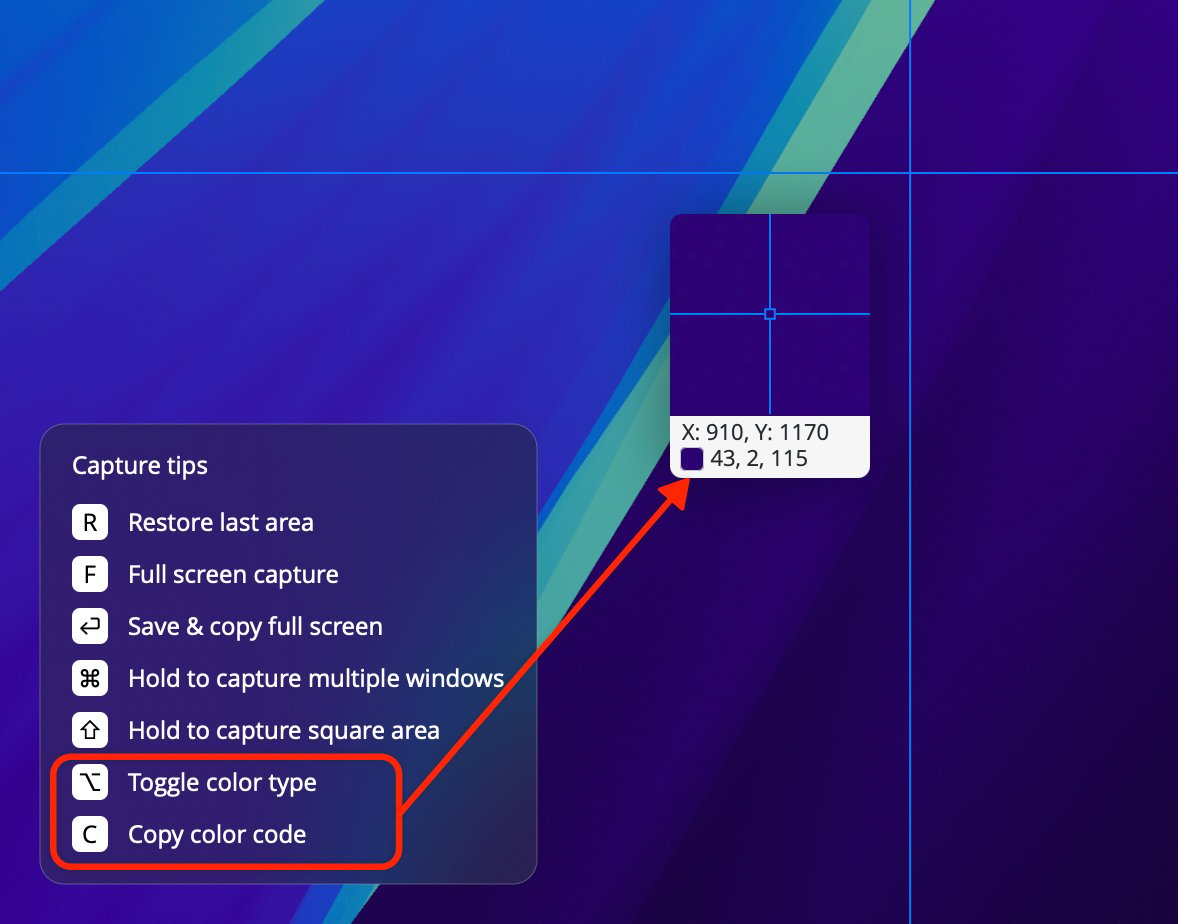
1Capture では、画面上の色をすばやく取得できます。スクリーンショットのショートカットで撮影モードに入ると、ポインタの横に拡大プレビューが表示されます。1 行目は画面上の座標、2 行目はポインタの位置にある色の値です。
色の形式は Hex・RGB・HSL に対応しています。Option で形式を切り替え、C で色の値をコピーできます。