> ## Documentation Index
> Fetch the complete documentation index at: https://docs.1capture.com/llms.txt
> Use this file to discover all available pages before exploring further.
# Changelog
> New Features and Improvements
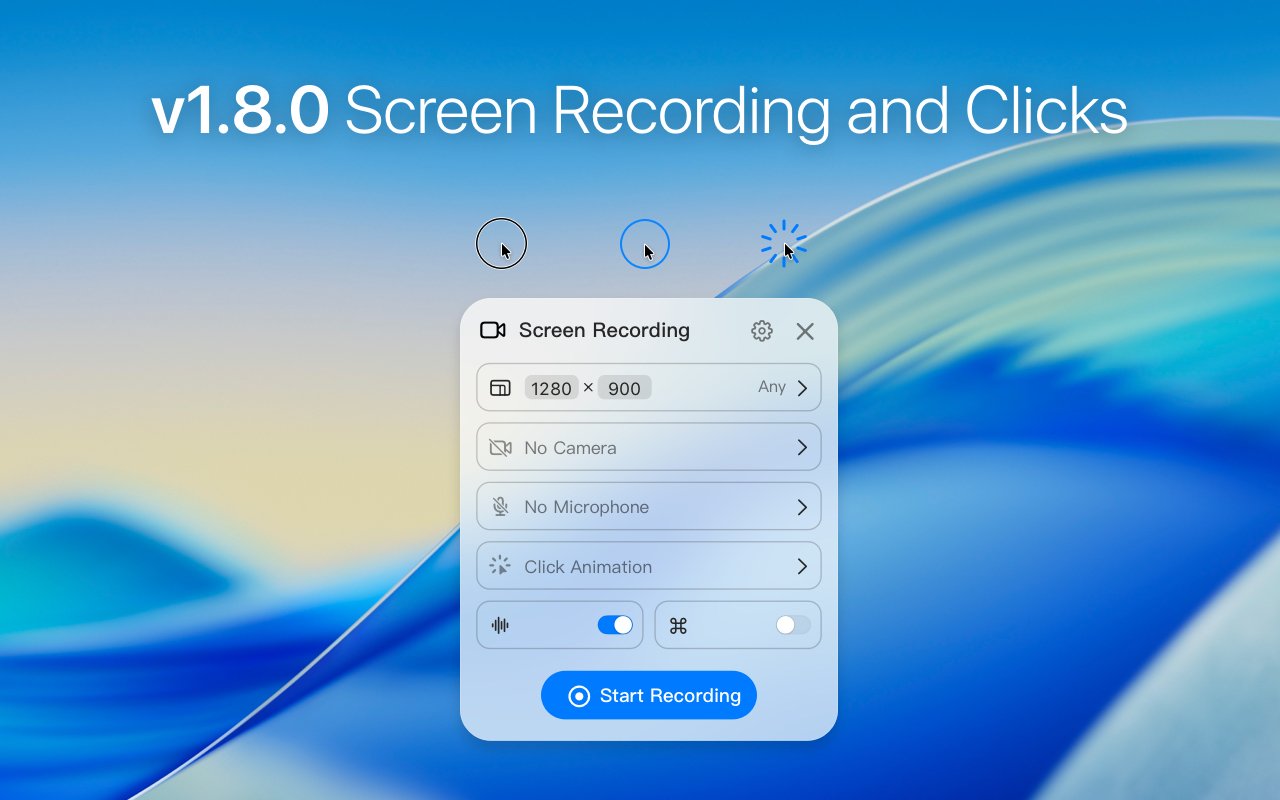
## New Screen Recording and Click Animation
 ### New Features
* Added screen recording
* Added 3 types of click animations
* Added GIF recording
* Added Support Center; please leave us a review on the App Store
### Improvements and Fixes
* Fix crash issues when saving screenshots
## Added Adjust Selections Using Arrow Keys
### New Features
* Added Shift/CMD/Option + arrow keys to adjust selection
* Added system-style screenshot cursor (disable preview window and crosshair)
* Support unlimited wallpaper additions in the beautify tool
* Hide drag\&drop shelf when taking screenshots
### Improvements and Fixes
* Fix color discrepancies in screenshots on macOS 15
* Fix mosaic tool display differences
* Lower the pinned image window layer level
## Added Custom Screenshot File Name
### New Features
* Added screen recording
* Added 3 types of click animations
* Added GIF recording
* Added Support Center; please leave us a review on the App Store
### Improvements and Fixes
* Fix crash issues when saving screenshots
## Added Adjust Selections Using Arrow Keys
### New Features
* Added Shift/CMD/Option + arrow keys to adjust selection
* Added system-style screenshot cursor (disable preview window and crosshair)
* Support unlimited wallpaper additions in the beautify tool
* Hide drag\&drop shelf when taking screenshots
### Improvements and Fixes
* Fix color discrepancies in screenshots on macOS 15
* Fix mosaic tool display differences
* Lower the pinned image window layer level
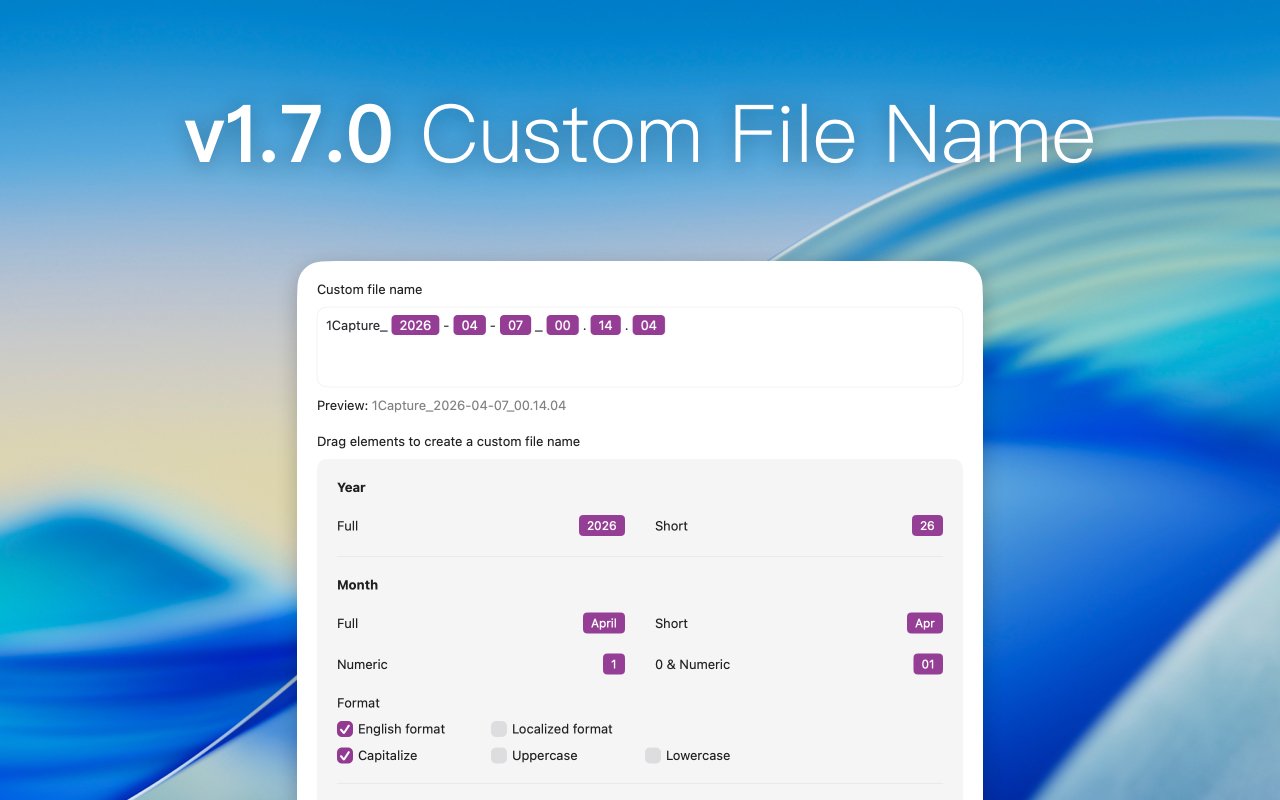
## Added Custom Screenshot File Name
 ### New Features
* Added custom screenshot file name
* Added a new arrow and optimize arrow styles
* Added an add 1px border setting for screenshots
* Added a setting to hide capturing preview window
* Added "Hide/Show All Pinned Images" workflow
* Added "Scrolling Capture" workflow
* Added delete button to drag\&drop shelf toolbar
### Improvements and Fixes
* Optimize memory usage
* Improve OCR performance
* Fix multiple known issues
## Added Free AI Erase Tool
### New Features
* Added custom screenshot file name
* Added a new arrow and optimize arrow styles
* Added an add 1px border setting for screenshots
* Added a setting to hide capturing preview window
* Added "Hide/Show All Pinned Images" workflow
* Added "Scrolling Capture" workflow
* Added delete button to drag\&drop shelf toolbar
### Improvements and Fixes
* Optimize memory usage
* Improve OCR performance
* Fix multiple known issues
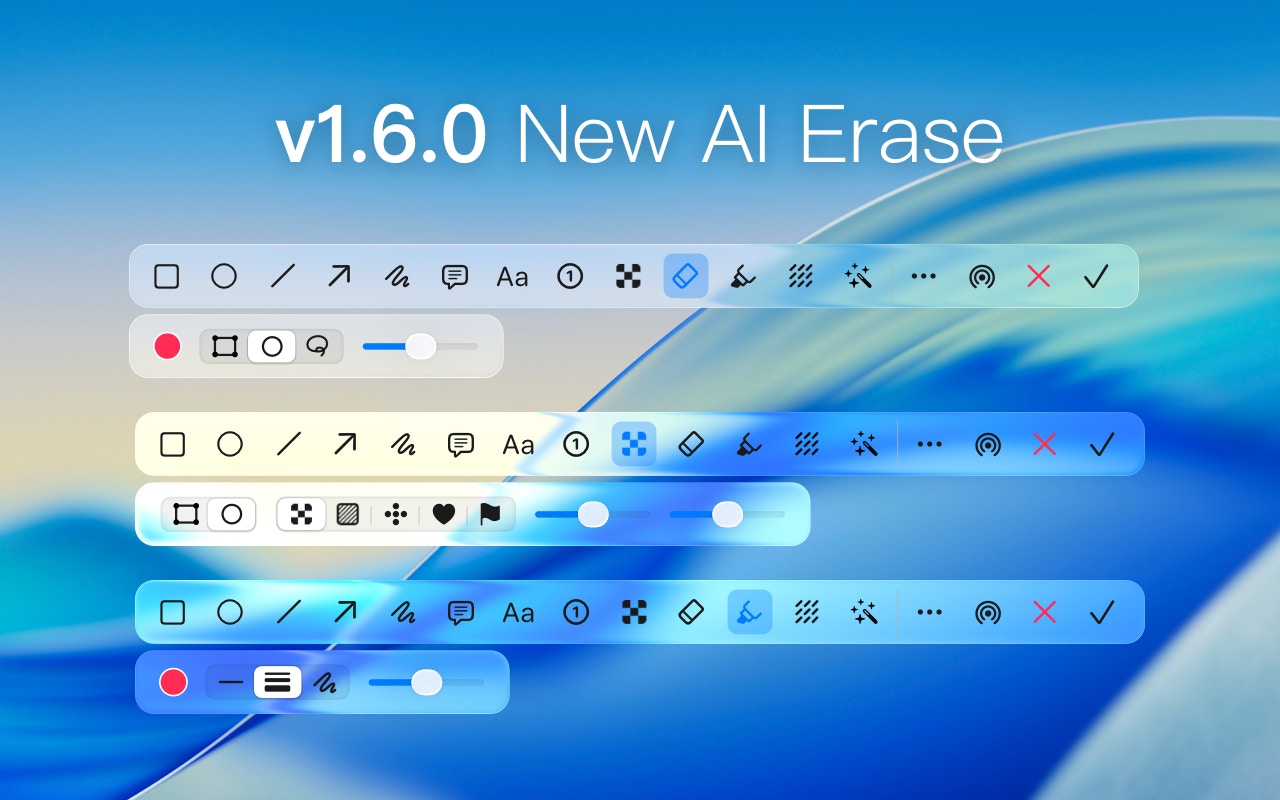
## Added Free AI Erase Tool
 ### New Features
* New free AI erase tool (Apple Silicon only, macOS 12+)
* Added colorful mosaic and text-only censoring
* Added highlighter tool that automatically adjusts height based on text lines
* Added dynamic line mode for drawing tools
* Added copy-and-retain feature to copy screenshots without exiting edit mode
* Added full-screen screenshot workflow
### Improvements and Fixes
* Optimize screenshot performance
* When the pinned screenshot is small, display the toolbar at the bottom of the window
* Improve drag\&drop shelf exit animation
## Added Live Text for Pinned Images
### New Features
* Added screenshot sound effects
* Added Live Text for pinned images
* Added multi-window screenshot background mode settings
## Optimized Text Selection in Pinned Images
### Improvements and Fixes
* Fixed issue where screenshots could only be saved but not copied
* Optimized text selection in pinned images
## Optimize Screenshot Performance
### New Features
* Add the "Export/Import/Reset" setting
* Add Russian language
* Add screenshot prompt sound
### Improvements and Fixes
* Optimize screenshot performance
## New macOS26 Liquid Glass Style
### New Features
* New free AI erase tool (Apple Silicon only, macOS 12+)
* Added colorful mosaic and text-only censoring
* Added highlighter tool that automatically adjusts height based on text lines
* Added dynamic line mode for drawing tools
* Added copy-and-retain feature to copy screenshots without exiting edit mode
* Added full-screen screenshot workflow
### Improvements and Fixes
* Optimize screenshot performance
* When the pinned screenshot is small, display the toolbar at the bottom of the window
* Improve drag\&drop shelf exit animation
## Added Live Text for Pinned Images
### New Features
* Added screenshot sound effects
* Added Live Text for pinned images
* Added multi-window screenshot background mode settings
## Optimized Text Selection in Pinned Images
### Improvements and Fixes
* Fixed issue where screenshots could only be saved but not copied
* Optimized text selection in pinned images
## Optimize Screenshot Performance
### New Features
* Add the "Export/Import/Reset" setting
* Add Russian language
* Add screenshot prompt sound
### Improvements and Fixes
* Optimize screenshot performance
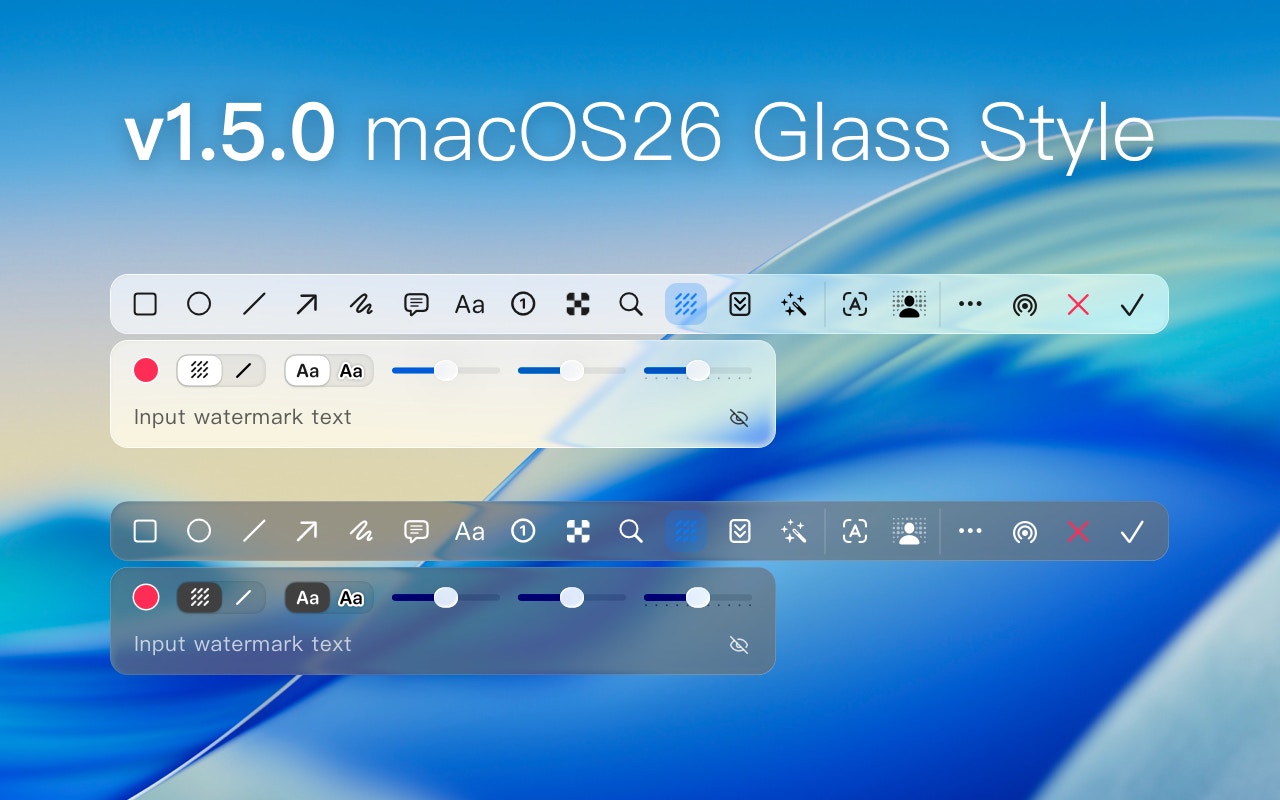
## New macOS26 Liquid Glass Style
 ### New Features
* Added macOS26 Liquid Glass style
* Added OCR window position setting
* Added button to hide watermark while retaining watermark text
### Improvements and Fixes
* Optimize multilingual copy
* Improve screenshot performance in macOS26
## Add Custom Workflow
### New Features
* Added macOS26 Liquid Glass style
* Added OCR window position setting
* Added button to hide watermark while retaining watermark text
### Improvements and Fixes
* Optimize multilingual copy
* Improve screenshot performance in macOS26
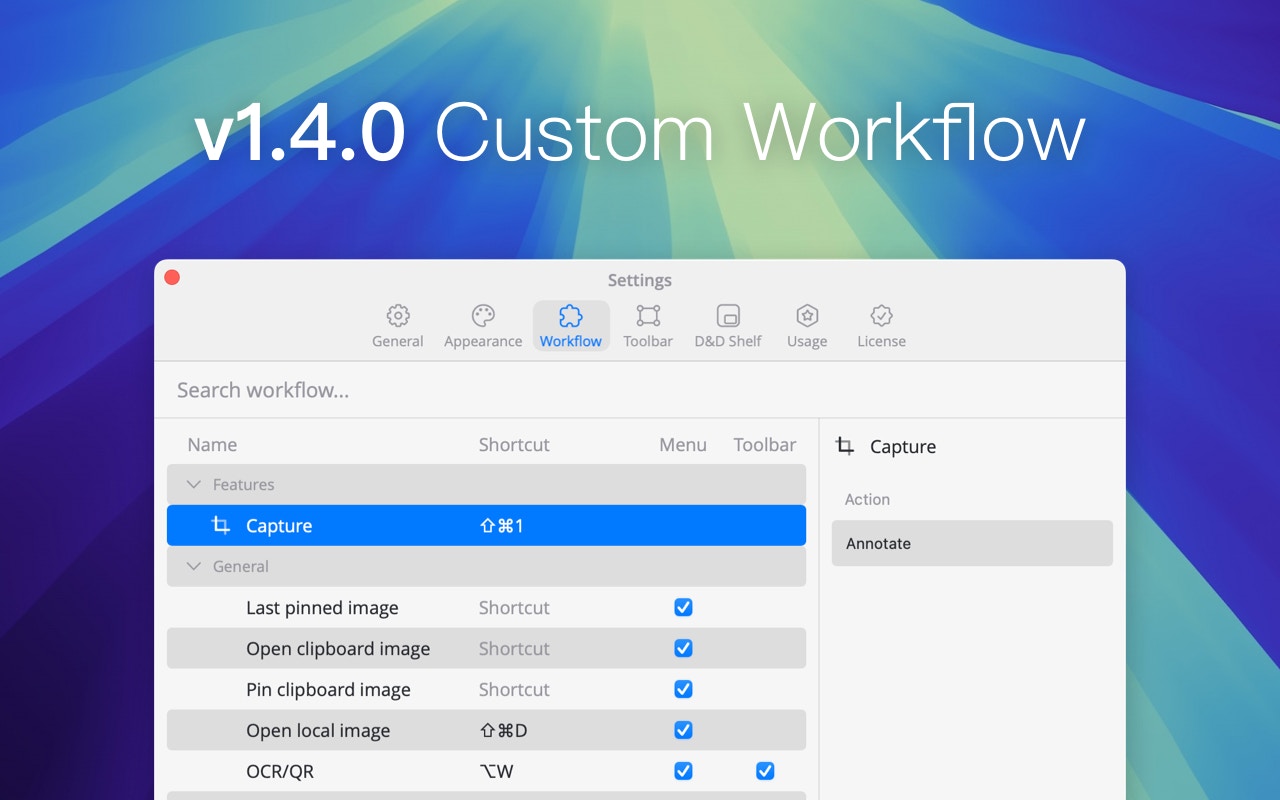
## Add Custom Workflow
 ### New Features
* Add custom workflows
* New workflow: Capture last screenshot area
* Pin images to desktop now supports shortcut keys
* Added support for directly opening QR code links
* When MOS inversion is enabled, zooming pinned images also supports inversion operation
### Improvements and Fixes
* Improved OCR/QR top notification cursor hover animation
* Enhanced drag-and-drop frame display for images with shadows
* Fixed issue where the top menu bar did not appear during screenshots
## Added support for 10 languages
### New Features
* Add custom workflows
* New workflow: Capture last screenshot area
* Pin images to desktop now supports shortcut keys
* Added support for directly opening QR code links
* When MOS inversion is enabled, zooming pinned images also supports inversion operation
### Improvements and Fixes
* Improved OCR/QR top notification cursor hover animation
* Enhanced drag-and-drop frame display for images with shadows
* Fixed issue where the top menu bar did not appear during screenshots
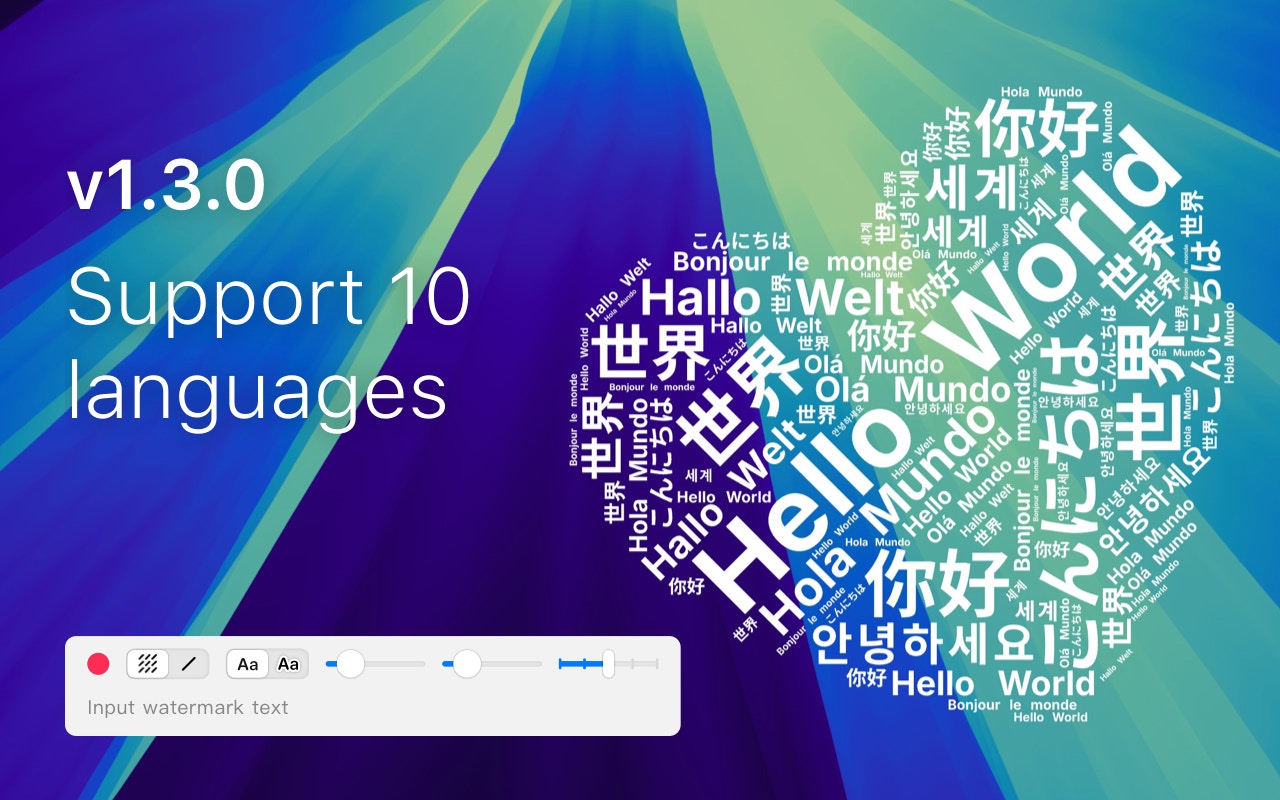
## Added support for 10 languages
 ### New Features
* Interface now supports 10 languages
* Help documents and changelogs now support 3/10 languages
* OCR supports automatic recognition of 25 languages
* Supports setting F1\~F0 shortcuts
* Rectangle/Ellipse tools support dashed border lines
* Added a copy tool
* Added MOS reverse scrolling setting
* Added corner drag rotation for annotation objects
* Added cursor capture settings
### Improvements and Fixes
* Fix the issue of the watermark tool extending beyond the screen
## New Drag and Drop Shelf
### New Features
* Interface now supports 10 languages
* Help documents and changelogs now support 3/10 languages
* OCR supports automatic recognition of 25 languages
* Supports setting F1\~F0 shortcuts
* Rectangle/Ellipse tools support dashed border lines
* Added a copy tool
* Added MOS reverse scrolling setting
* Added corner drag rotation for annotation objects
* Added cursor capture settings
### Improvements and Fixes
* Fix the issue of the watermark tool extending beyond the screen
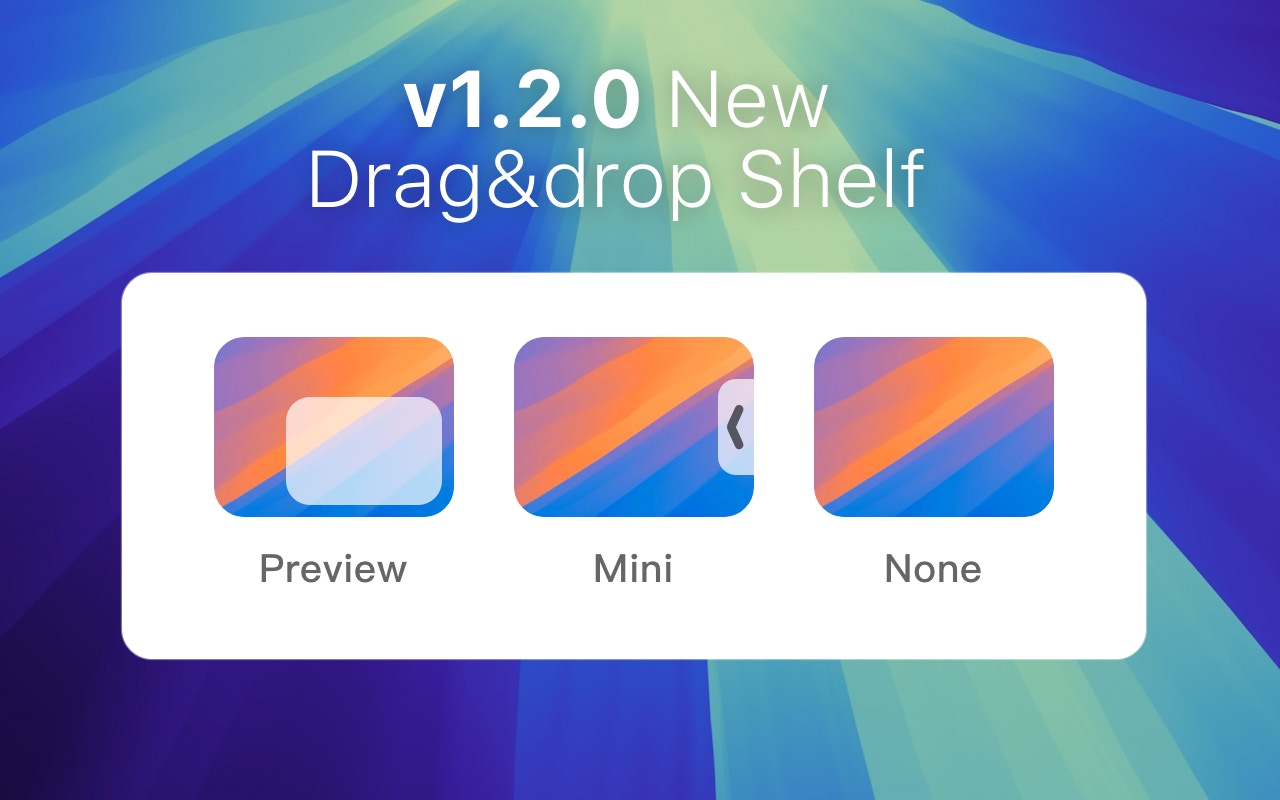
## New Drag and Drop Shelf
 ### New Features
* Added drag-and-drop shelf for easy dragging of screenshots to other apps
* Added option to save screenshots as webp
* Added window snapping between pinned image windows
### Improvements and Fixes
* Selecting annotation targets does not steal tool focus
* Fixed issue where screenshots from Lyricsx & BongoCat appeared blank
* Fixed crash caused by adding stickers
* Fixed conflict between Mosaic and Spotlight tools
## Add counter remark
### New Features
* Added drag-and-drop shelf for easy dragging of screenshots to other apps
* Added option to save screenshots as webp
* Added window snapping between pinned image windows
### Improvements and Fixes
* Selecting annotation targets does not steal tool focus
* Fixed issue where screenshots from Lyricsx & BongoCat appeared blank
* Fixed crash caused by adding stickers
* Fixed conflict between Mosaic and Spotlight tools
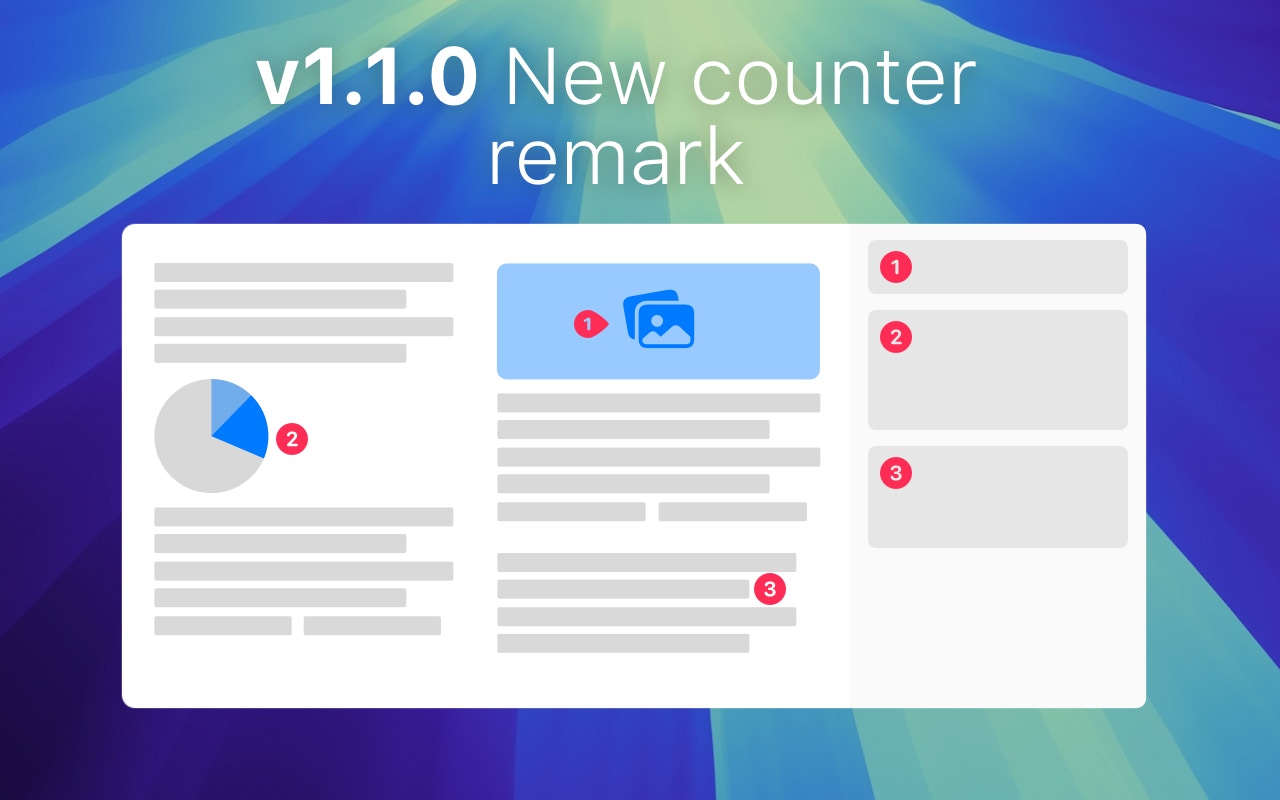
## Add counter remark
 ### New Features
* Added new digital point annotations with pointer numbers
* Added emoji stickers
* After saving or copying, a draggable thumbnail appears in the lower right corner
* Holding Command and Option while scrolling adjusts the second and third sliders
* Added square & rounded corner settings for pinned windows (Pinned Window - right-click menu)
* Added one-click hide all pinned windows (Pinned Window - right-click menu)
* Added option to show last pinned window (top menu bar)
* Added custom screenshot selection size
* Hold Option and drag an annotation object to duplicate it
### Improvements and Fixes
* Fixed the issue where screenshots in the WeChat image preview window appeared blank
* Fixed the problem of the screenshot Cursor window automatically hiding
* Fixed full-screen screenshots capturing the screenshot prompt together
* Fixed tools not appearing when holding Command to capture multiple windows
* Fixed scrolling screenshots including preview images
* Multiple improvements to interaction, animation, and UI
## Save screenshots with CMD+S
### New Features
* Added new digital point annotations with pointer numbers
* Added emoji stickers
* After saving or copying, a draggable thumbnail appears in the lower right corner
* Holding Command and Option while scrolling adjusts the second and third sliders
* Added square & rounded corner settings for pinned windows (Pinned Window - right-click menu)
* Added one-click hide all pinned windows (Pinned Window - right-click menu)
* Added option to show last pinned window (top menu bar)
* Added custom screenshot selection size
* Hold Option and drag an annotation object to duplicate it
### Improvements and Fixes
* Fixed the issue where screenshots in the WeChat image preview window appeared blank
* Fixed the problem of the screenshot Cursor window automatically hiding
* Fixed full-screen screenshots capturing the screenshot prompt together
* Fixed tools not appearing when holding Command to capture multiple windows
* Fixed scrolling screenshots including preview images
* Multiple improvements to interaction, animation, and UI
## Save screenshots with CMD+S
 ### New Features
* Add border highlight to screenshot window
* Save & Done tool supports Command S shortcut key
### Improvements and Fixes
* Fixed the issue where shortcut keys for Save & Done tools could not be modified
* Optimized interaction for re-editing pinned images
## 1Capture 1.0 Official Release
### Released Features:
* Screenshot Annotation
* Quick Notes (Highly Recommended)
* Horizontal & Vertical Scrolling Screenshots
* Background Enhancement
* Pin Image to Desktop
* Color Picker
* OCR
* Text Watermark
### Planned Features:
* Highlighter
* GIF Recording
* Screen Recording
* Screenshot Translation
* Short Link Sharing
### New Features
* Add border highlight to screenshot window
* Save & Done tool supports Command S shortcut key
### Improvements and Fixes
* Fixed the issue where shortcut keys for Save & Done tools could not be modified
* Optimized interaction for re-editing pinned images
## 1Capture 1.0 Official Release
### Released Features:
* Screenshot Annotation
* Quick Notes (Highly Recommended)
* Horizontal & Vertical Scrolling Screenshots
* Background Enhancement
* Pin Image to Desktop
* Color Picker
* OCR
* Text Watermark
### Planned Features:
* Highlighter
* GIF Recording
* Screen Recording
* Screenshot Translation
* Short Link Sharing